
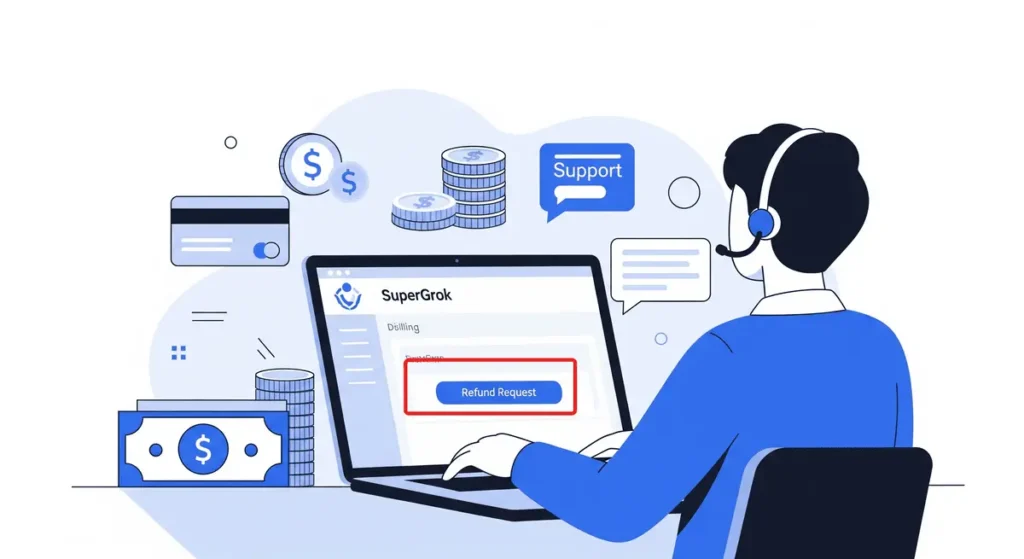
Yes, you can request a refund for SuperGrok, but approval is not guaranteed.
The process depends on where you purchased your subscription. If you subscribed through the Grok website or Google Play, xAI handles refund requests. For purchases made through Apple’s App Store, you must request a refund from Apple.
According to xAI’s official Grok FAQ, approved refunds are typically returned to the original payment method within 5–10 business days.
Refund eligibility depends on your circumstances and applicable terms and laws.
Quick Summary
- SuperGrok refunds are possible but not guaranteed; eligibility depends on the circumstances and applicable refund rules.
- Web and Google Play purchases: Submit a refund request through xAI.
- Apple App Store purchases: Request a refund directly through Apple.
- X Premium+ subscriptions: Contact X for billing and refund-related issues.
- Approved xAI refunds are typically processed within 5–10 business days to the original payment method.
- Cancel your subscription through the platform where you purchased it to prevent future renewals.
- Include your account email, payment receipt, and relevant billing details when contacting support.
Can You Get a Refund for SuperGrok?
Yes, but submitting a request does not guarantee that you will receive your money back.
xAI’s consumer terms generally state that payments already made for paid subscriptions are non-refundable, except where required by law. Its current support documentation also provides a process for reviewing refund requests.
Your purchase platform determines where you should start.
| Where you purchased SuperGrok | Where to request a refund |
|---|---|
| Grok.com | Submit a request through xAI’s refund form |
| Google Play Store | Submit a request through xAI’s refund form |
| Apple App Store | Request a refund through Apple |
| X Premium or Premium+ | Contact X for applicable subscription refund issues |
Sources: xAI’s official FAQ and X Premium FAQ.
Important: Cancelling SuperGrok prevents future renewals, but it does not automatically refund a payment you have already made.
How to Request a SuperGrok Refund?
Follow the steps that match your original purchase method.
1. If You Purchased SuperGrok on Grok.com
If you subscribed directly through the Grok website, use xAI’s official refund request process.
- Open the xAI Refund Request form.
- Sign in using the account associated with your subscription.
- Follow the available instructions to submit your refund request.
- Provide the requested purchase or billing details.
- Keep a copy of any confirmation or support correspondence.
You can also visit Grok’s billing page to manage your subscription.
If the refund form does not provide a suitable option, contact xAI support at support@x.ai.
2. If You Purchased SuperGrok Through Google Play
According to xAI’s current support documentation, refund requests for SuperGrok purchases made through Google Play are handled by xAI.
To proceed:
- Confirm that you are signed in to the Google account associated with your purchase.
- Find your SuperGrok transaction or receipt.
- Use the xAI Refund Request form and sign in with the account used for the subscription.
- Follow the form’s instructions and provide the requested details.
You should also cancel the subscription through Google Play if you do not want it to renew.
You can manage it using Google Play’s subscription settings.
Do not assume that cancelling through Google Play automatically submits a refund request. These are separate actions.
3. If You Purchased SuperGrok Through Apple’s App Store
Apple handles refunds for purchases made through its App Store.
To request a refund:
- Visit Apple’s official report-a-problem website.
- Sign in with the Apple Account used for the purchase.
- Select the relevant SuperGrok transaction.
- Choose the available refund option and follow the instructions.
- Check Apple’s website or notifications for the decision.
Apple reviews App Store refund requests under its applicable policies. A request can be denied, so submitting one does not guarantee reimbursement.
If you also want to stop future payments, manage the subscription through your Apple Account’s subscription settings.
4. If You Access SuperGrok Through X Premium+
Check which subscription actually appears on your receipt.
SuperGrok is available through xAI’s subscription offerings, while X Premium+ is an X subscription that can include access to SuperGrok. The billing provider matters when requesting a refund.
If you purchased X Premium or Premium+ directly through X, start with X’s Premium Help Center. For eligible App Store or Google Play transactions, the relevant app store may handle the refund process.
X states that Premium subscriptions are generally non-refundable except where required by law, with certain exceptions for subscription upgrades.
Do not submit an X Premium refund request to xAI without first checking which company charged you.
Why Might Your SuperGrok Refund Be Rejected?
Refund decisions depend on the purchase, the applicable policy, and your circumstances. Common reasons a request may not be approved include:
- The payment is covered by a non-refundable subscription term. xAI’s consumer terms generally make completed subscription payments non-refundable except where applicable law requires otherwise.
- The request does not meet the seller’s refund criteria. Apple, xAI and other billing providers follow their own applicable processes.
- You are asking for a refund after cancelling. Cancellation alone does not establish refund eligibility.
- You contacted the wrong provider. A refund request sent to xAI may not resolve an App Store purchase that Apple must review.
- You have already used the subscription. Usage may be relevant to the review, depending on the circumstances and applicable policy, but it does not by itself establish whether a refund will be approved.
If your request is denied, review the reason provided and check the relevant provider’s appeal or support options. If you believe a charge was unauthorized or incorrect, explain that clearly rather than submitting a general cancellation request.
How Long Does a SuperGrok Refund Take?
xAI states that approved refunds for eligible web and Google Play purchases are typically issued to the original payment method within 5–10 business days.
That timeframe applies to approved refunds; it is not a guarantee that every request will be decided within that period. The total time may vary depending on the review process and payment provider.
For Apple purchases, check the status of your request directly through Apple’s refund system.
If the expected processing period has passed, contact the provider handling your request and include your transaction details or refund confirmation.
How to Cancel SuperGrok to Avoid Future Charges?
If you no longer want to use SuperGrok, cancel through the platform where you originally subscribed.
| Purchase method | Where to cancel |
|---|---|
| Grok.com | Grok billing settings |
| Google Play | Google Play subscription settings |
| Apple App Store | Apple Account subscription settings |
| X Premium+ | X subscription settings |
After cancelling, check that the subscription status confirms cancellation or that automatic renewal is disabled. Keep the confirmation for your records.
You may retain access until the end of the period you have already paid for, depending on the subscription terms. Do not assume that cancelling removes access immediately or triggers a refund.
For the latest instructions, refer to xAI’s official subscription FAQ.
What Information Should You Include in a Refund Request?
A clear request makes it easier for support to identify the transaction and understand the problem.
Include the relevant details requested by the billing provider, such as:
- The email or account associated with your subscription
- The purchase date
- The amount charged and currency
- The transaction or order ID
- The platform where you subscribed
- A brief explanation of why you are requesting a refund
Never send your password, full card number, or other unnecessary sensitive payment details.
If you were charged twice, did not authorize a payment, or were billed after you believed you had cancelled, explain the specific issue and include relevant receipts or confirmation messages.
Final Thoughts
You can request a SuperGrok refund, but the outcome depends on your purchase method and refund eligibility. For subscriptions purchased through Grok.com or Google Play, use xAI’s refund request process. For App Store purchases, request the refund directly from Apple. If your subscription came through X Premium+, check X’s policies.
If you want to avoid another charge, cancel the subscription separately and confirm that the cancellation has taken effect. Always check the latest official terms before relying on a refund policy.
Frequently Asked Questions
1. Can I get a refund for SuperGrok after cancelling?
Possibly. Cancelling stops future renewals, but it does not automatically refund an existing payment. You must submit a separate request through the appropriate provider, and approval is not guaranteed.
2. Does xAI automatically refund SuperGrok subscriptions?
No. You should not expect a refund simply because you cancel. For eligible web and Google Play purchases, submit a refund request through xAI’s official process. Apple handles refunds for App Store purchases.
3. How long does a SuperGrok refund take?
xAI says approved refunds for web and Google Play purchases are typically issued to the original payment method within 5–10 business days. Apple purchases follow Apple’s refund process.
4. Can I get a refund for SuperGrok Heavy?
You can submit a request using the process applicable to the original purchase, but the plan name alone does not guarantee eligibility. Check your receipt, billing platform and applicable subscription terms before submitting the request.
5. Can I get a refund if I forgot to cancel SuperGrok?
You can ask the relevant provider to review the charge, but forgetting to cancel does not guarantee a refund. Submit your request promptly and explain the circumstances accurately.
6. Is SuperGrok refundable in India?
Refund eligibility depends on the purchase method, applicable terms and laws, and the circumstances of the transaction. If you subscribed in India, check the rules that apply to your purchase and submit your request to the correct provider. Do not assume that every subscription payment is automatically refundable.
Also Read –
SuperGrok Pricing & Features: A Complete Guide (2026)
How to Cancel SuperGrok Subscription: Step-by-Step Guide for 2026